
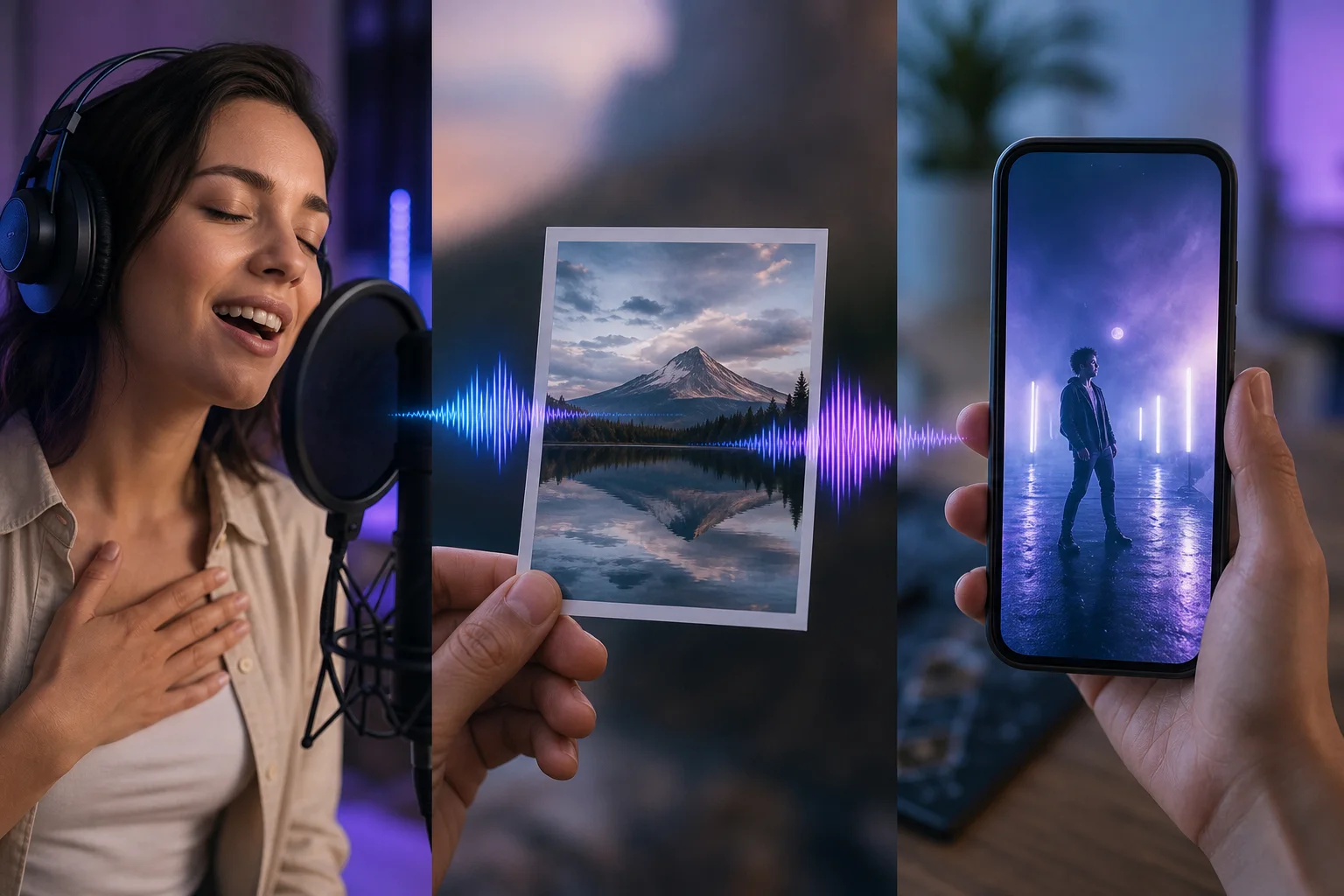
These three workflows all involve images and music, but they do not start from the same material or produce the same kind of result.
The simplest way to choose is to look at what you already have: a photo you want to animate, an image whose mood should inspire music, or a song you want to turn into video.
Choose a singing photo when the image should perform
You start from a portrait and a song. The goal is to animate the face as if it were singing, which fits surprises, memories and short-form content.
Choose image-to-music when the image should inspire sound
In practice, here the image is creative input for the music. A landscape, illustration or photograph can guide the mood without needing to animate the image.
Choose AI music video when the song already exists
The music is the main starting point. You then build a visual world or video around the track rather than making one still portrait sing.
Combine workflows without confusing their purpose
You can create music from an image and later build a video, but each step should have a clear reason. Adding more tools does not automatically improve the result.
Decide based on what you ultimately want to share
For a person-centered surprise, a singing photo is direct. For a mood inspired by an image, image-to-music fits better. To present a finished track, a music video is the most complete format.
Prepare a first version without overloading the brief
To start a creation, gather only the elements that can meaningfully change the result. One primary intention, a few specific details and a clear musical or visual direction are more useful than a prompt full of competing requests.
If you are torn between two strong directions, make separate variants. That gives you a real comparison instead of one vague compromise between incompatible ideas.
- define what the result should make someone feel;
- keep the names, facts or elements that must remain;
- remove private information that should not appear;
- separate what the creation should say from how it should sound or look;
- keep the original brief so you can change one variable at a time.
Improve the result after the first listen or preview
For this step, do not stop at whether you like the result. Identify the reason: is the message clear, does the mood fit, is one section overloaded, or does the voice, image or structure draw attention to the wrong place?
At this point, then change the most important variable first. Changing text, style, intensity and structure at the same time makes it difficult to learn what actually improved the creation.
What makes a result personal rather than generic
In practice, personalization rarely comes from providing the maximum amount of information. It comes from a few details nobody else would have supplied: a phrase, memory, rhythm, image or constraint that genuinely belongs to the project.
For this step, when reviewing your brief, ask whether another person could swap the names and end up with essentially the same story. If so, add one concrete detail and remove one generic statement.
Put the method into practice with DeepZik
DeepZik offers all three approaches in the same ecosystem: singing photo, image-to-music and music-video creation. For a clear starting point, start from the result you want so you can choose the shortest workflow.
At this point, create a memory song adds another useful angle to the process.
In practice, see how to share an AI song adds another useful angle to the process.
A simple five-step workflow
- define the intended result in one sentence;
- prepare the best source available: text, voice, image or song depending on the task;
- add only constraints that can meaningfully change the output;
- generate a first version and listen or watch it all the way through;
- change one important variable and compare.
This can look slower than writing one very long prompt, but it often speeds up the process because you can see which instruction caused which effect. You keep the strong parts instead of losing them with every new attempt.
Check what you are comfortable sharing
When preparing to publish, make one final pass over personal information, imported files and the people shown or heard. You should use only content and voices for which you have the required rights or permission.
Frequently asked questions
Do I need to be a musician to use this method?
You do not need to be a musician. The most important part is knowing what you want to express or obtain and giving the creation process enough specific direction.
Does the first generation have to be perfect?
A first generation does not need to be perfect. A first version can reveal what works and what needs more direction. Change one important element at a time instead of rewriting everything.
Can I start from my own words?
Yes. Depending on the creation, you can begin with an idea, text or lyrics you already wrote.